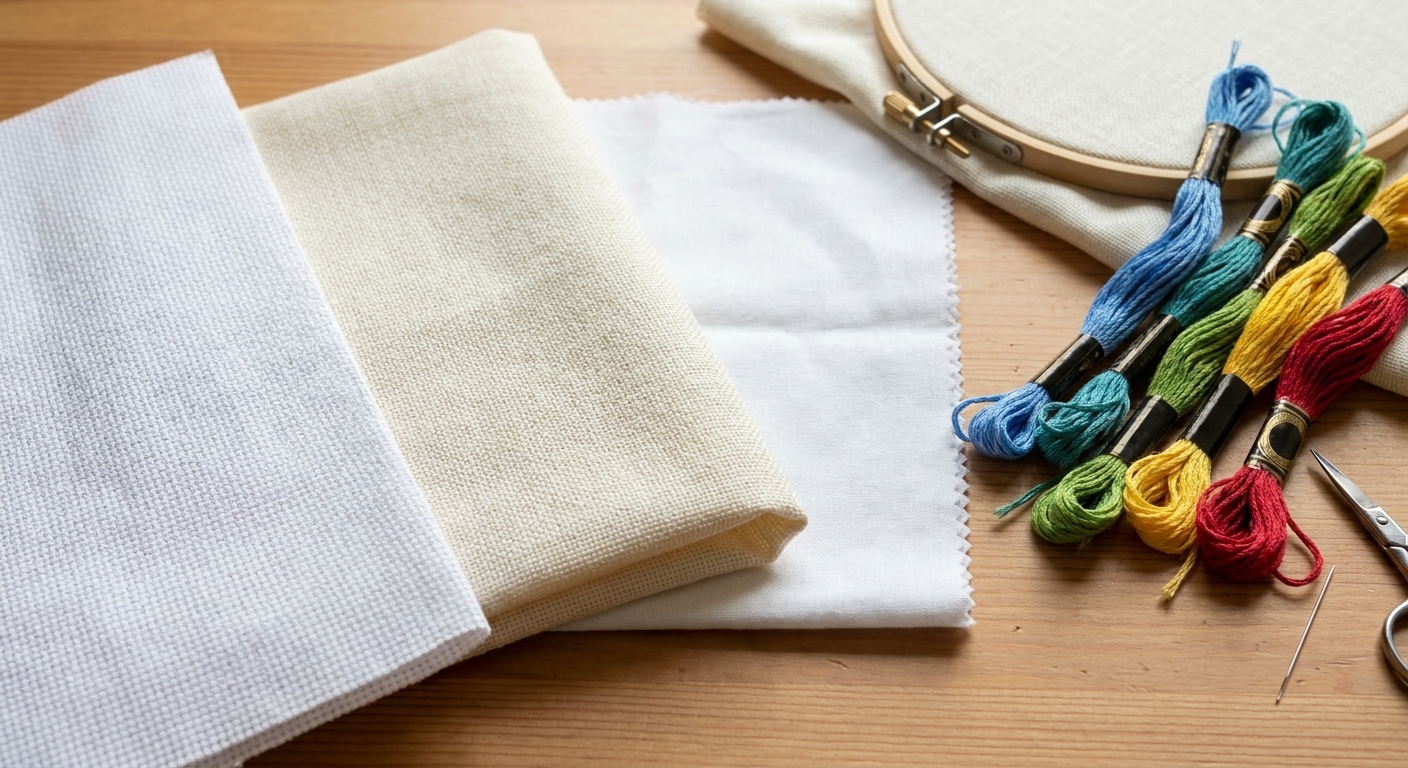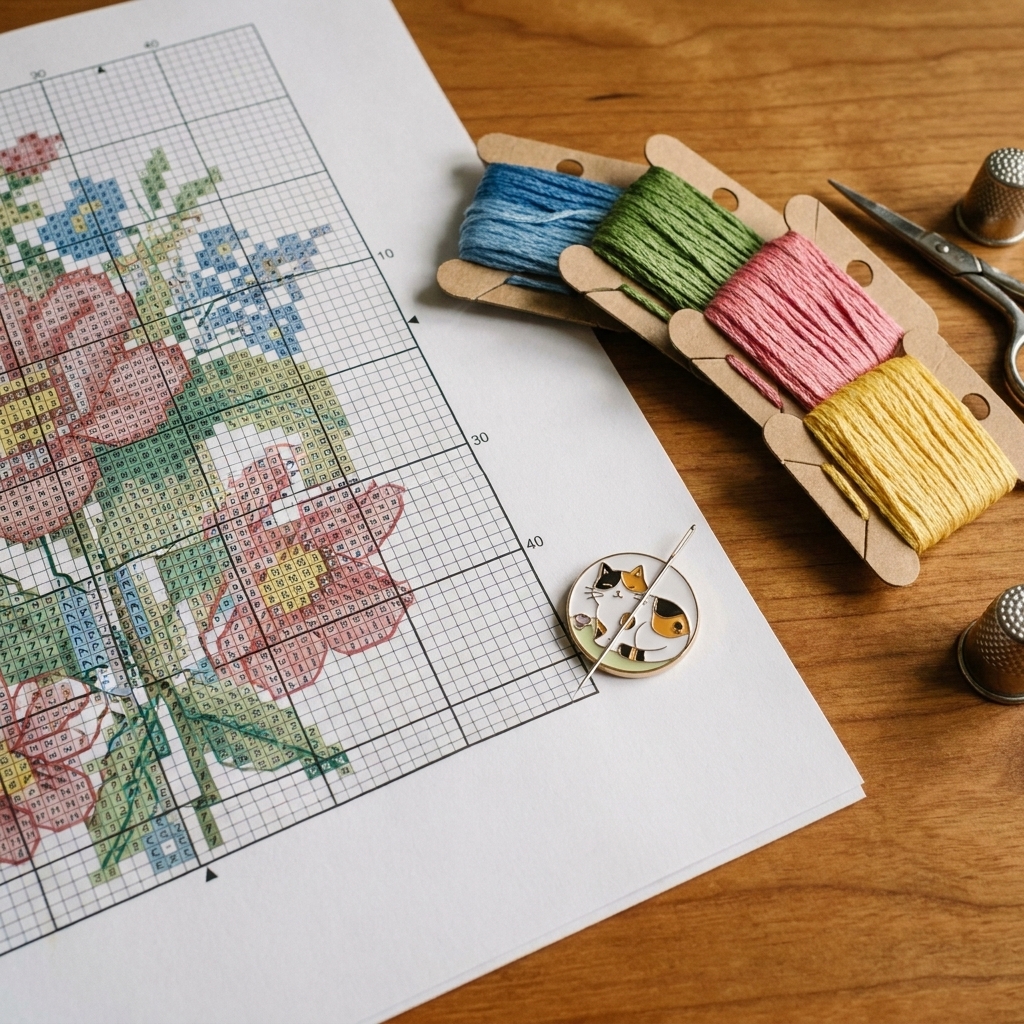
If you have ever bought a gorgeous cross stitch pattern, pulled out your fabric, and thought, “Wait. How big is this supposed to be?” you are absolutely not alone. I stitched for years before I felt truly calm doing the fabric math. The good news is that Aida count is simple once you know what the number is actually telling you, and after that it is just a tiny bit of division (and maybe a little multiplication when you add margins) plus a generous seam allowance for your future self.
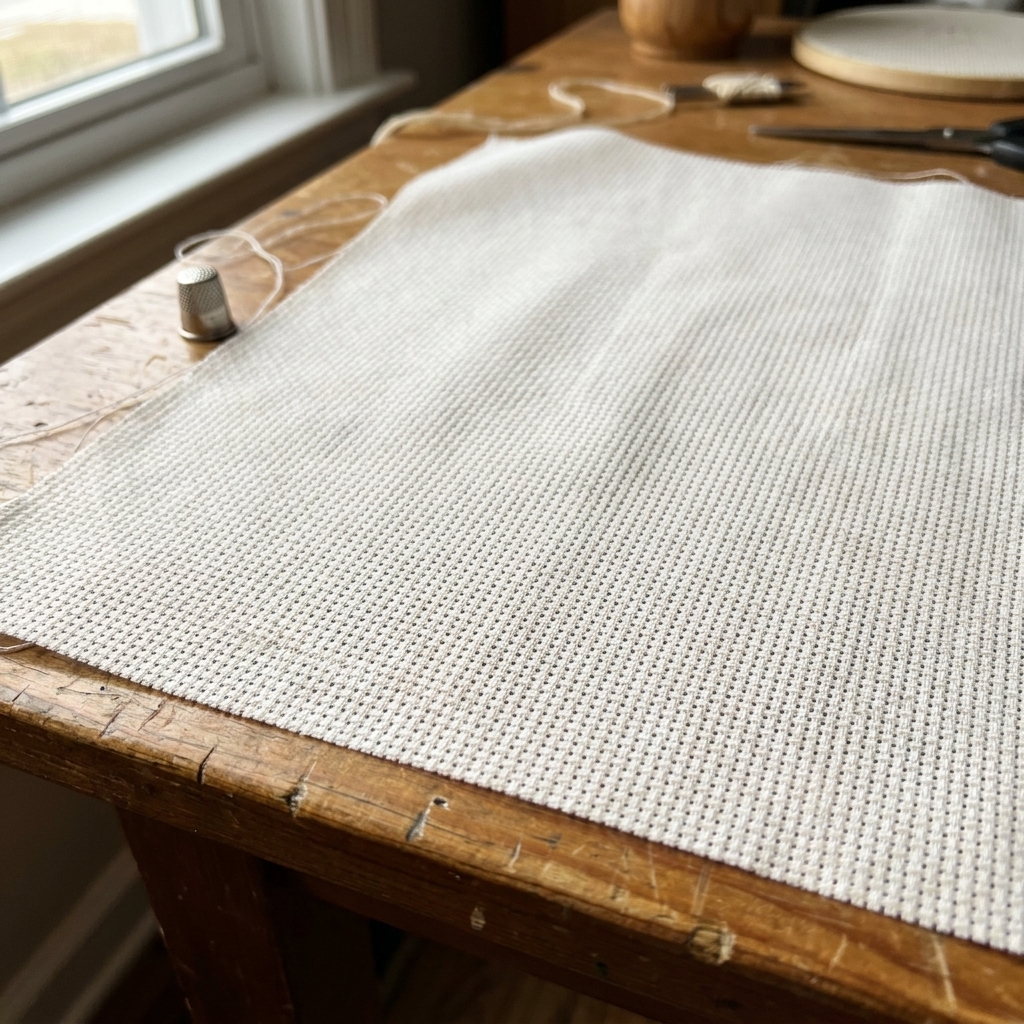
In this guide, I will walk you through what fabric count means, how to calculate finished design size from stitch counts, and how to cut Aida with enough margin for framing, hoops, and finishing. No squinting, no guesswork, and fewer sad moments with a too-small cut of fabric.
What does Aida count mean?
Aida cloth count tells you how many stitches fit in one inch when you stitch over 1. That is it. That is the whole secret.
- 14-count Aida = 14 stitches per inch
- 16-count Aida = 16 stitches per inch
- 18-count Aida = 18 stitches per inch
Higher count means more stitches per inch, which means your finished design will be smaller on the fabric (and typically a bit more detailed looking). Lower count means larger stitches, which means a bigger finished design.
One detail that helps beginners: on Aida, you normally stitch over 1 square (one X per fabric square). So the count number maps directly to stitches per inch without extra conversions.
The basic fabric size formula
Cross stitch patterns are sized in stitches. Fabric is sized in inches or centimeters. The bridge between them is your fabric count.
Finished design size (in inches)
- Design width in inches = stitch width ÷ fabric count
- Design height in inches = stitch height ÷ fabric count
Then you add margin.
Cut fabric size (in inches)
- Cut width = design width + (left margin + right margin)
- Cut height = design height + (top margin + bottom margin)
Most stitchers use the same margin on all sides, so it often looks like:
- Cut width = design width + (2 × margin)
- Cut height = design height + (2 × margin)
How much margin to add
This is the part that saves you from heartbreak later.
A solid default margin
For most projects, many stitchers find at least 3 inches on each side a safe default. That means adding 6 inches total to both width and height.
When to add more
- Framing with mat board: 3 to 4 inches per side is comfy.
- Finishing in a hoop you plan to display: 2 to 3 inches per side can work, but 3 is less stressful.
- Using Q-snaps or scroll frames: 3 to 5 inches per side, especially for larger designs.
- Planning a pillow, tote, or sewing project: think like a sewist and add extra for seams, backing, and finishing. 4 inches per side is often safer.
If you are unsure, choose the larger margin. Extra fabric is mildly annoying. Not enough fabric is a tragedy that involves creative language.
Step-by-step example
Let’s say your pattern says the design is 120 stitches wide by 150 stitches tall, and you want to stitch it on 14-count Aida.
1) Convert stitches to inches
- Width: 120 ÷ 14 = 8.57 inches
- Height: 150 ÷ 14 = 10.71 inches
2) Add margin
Using 3 inches per side:
- Cut width: 8.57 + 6 = 14.57 inches
- Cut height: 10.71 + 6 = 16.71 inches
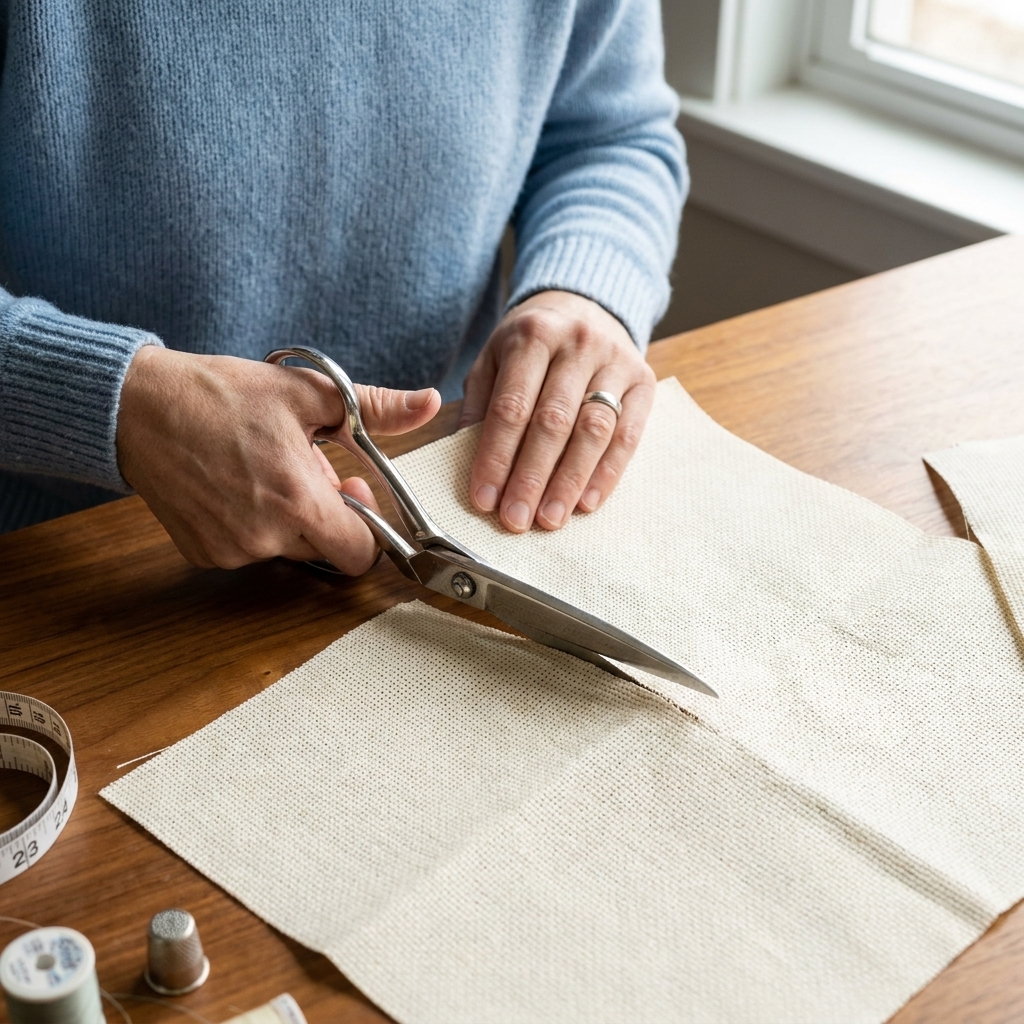
In real life, you round up and give yourself breathing room. I would cut 15 x 17 inches (or even 16 x 18 if I plan to frame it).
Quick reference
If you like mental shortcuts, this helps you sanity-check pattern sizes fast. Here is the approximate finished size of a 100-stitch line on common Aida counts:
| Aida count | 100 stitches measures about |
|---|---|
| 11-count | 9.09 inches |
| 14-count | 7.14 inches |
| 16-count | 6.25 inches |
| 18-count | 5.56 inches |
To estimate other sizes quickly: if the stitch count is double, the size is double. If the stitch count is half, the size is half. Cross stitch math is very friendly that way.
If the pattern lists inches
Sometimes patterns give the finished size, like “8 x 10 inches on 14-count.” That is helpful, but you still want to verify two things:
- Is that size tied to a specific fabric count? Usually yes.
- Does it match the stitch count listed? It should, but I still trust stitch count the most.
If you are switching fabric counts, use the stitch count (width and height in stitches) and recalculate. The printed inch size will change when the count changes.
Also worth knowing: many designers list sizes like “14 ct over 1” and “28 ct over 2.” Those are equivalent for finished size, because stitching over 2 halves the effective count. So 28-count over 2 finishes about the same size as 14-count over 1.
Metric sizing
If you prefer metric, you can do this two ways:
Option 1: Calculate in inches, then convert
Multiply inches by 2.54 to get centimeters.
Option 2: Use stitches per cm
If you want a metric-style formula:
- First convert count to stitches per cm: fabric count ÷ 2.54
- Then: stitch width ÷ (count ÷ 2.54) = width in cm
If you like thinking in 10 cm chunks, you can also use this shortcut: stitches per 10 cm = fabric count × 10 ÷ 2.54.
I personally do option 1 because it is quick and keeps mistakes low.
How count changes size
When you move to a higher count, your design gets smaller and you may be able to use a smaller frame or finish. When you move to a lower count, your design gets bigger and can look bolder and more graphic.
A practical example
If a design is 140 stitches wide:
- On 14-count: 140 ÷ 14 = 10 inches
- On 16-count: 140 ÷ 16 = 8.75 inches
- On 18-count: 140 ÷ 18 = 7.78 inches
Same pattern, totally different finishing options.
Measuring and cutting tips
Measure twice, cut once
Aida can be slightly off-grain, and stitch counts are unforgiving. If your calculated cut size is 15 x 17, cutting 16 x 18 gives you room for squaring up.
Find the center first
Once your fabric is cut, fold it in half both ways to find the center point. Many patterns mark the center with arrows. Starting in the center keeps your design nicely balanced inside your margins.
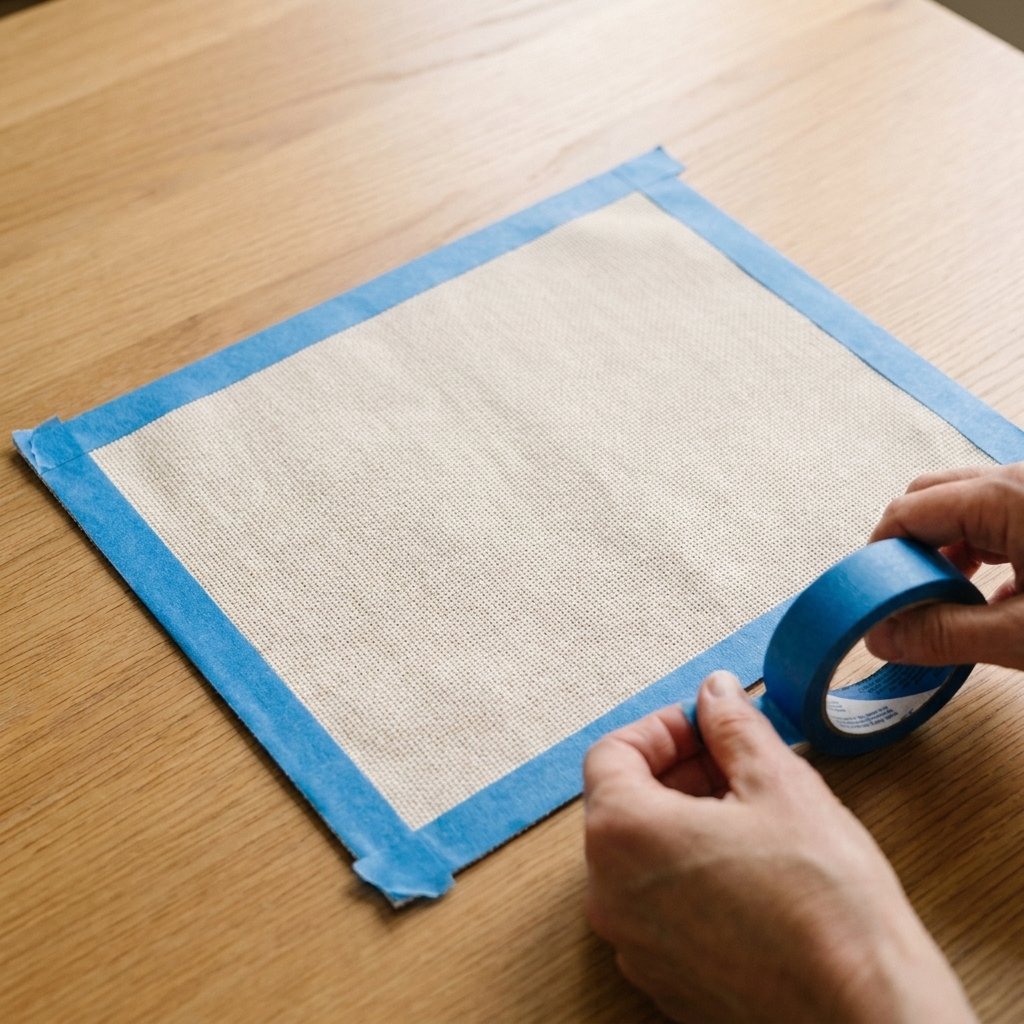
Secure the edges
Aida frays, especially if you love to wrestle a project into a Q-snap like I do. Choose one:
- Masking tape or painter’s tape along the raw edges (quick and cheerful)
- Zigzag stitch around the perimeter (fast if you have a machine)
- Overcast stitch by hand (slow but satisfying)
- Fray check (use sparingly, and let it dry fully)
Common fabric math mistakes
- Forgetting margin: Always add finishing space on all sides, not just one.
- Using the wrong stitch count: Use the pattern’s stated stitch width and height, not the number of colors.
- Rounding down: Round up. Fabric cannot magically grow.
- Mixing up count direction: Count is stitches per inch, so you divide stitches by count, not multiply.
- Not planning for framing: If you want a mat, add extra. Framing eats fabric fast.
Mini cheat sheet
If you want the simplest “sticky note” version, here it is:
- Design size (inches) = stitches ÷ count
- Cut size = design size + 6 inches (for 3-inch margins on both sides)
- When in doubt: add another inch per side
FAQ
Is Aida count the same as holes per inch?
For practical sizing, yes, people often talk about it that way. If we are being precise, count is usually described as squares (blocks) per inch, which is why it maps cleanly to stitches per inch when you stitch over 1.
What if I am stitching with 2 strands?
That changes coverage, not size. Using 2 strands of floss over 1 fabric square still gives you the same finished dimensions. It just makes the stitches fuller (and sometimes a touch fuzzier) depending on the fabric count.
What if I am stitching over 2?
Then each X covers two fabric squares in each direction, so the finished design becomes larger and your effective count is halved. On Aida, that usually means you are using a 2 × 2 block of holes for each X. For example, stitching over 2 on 14-count Aida behaves like 7-count for sizing.
This is more commonly done on evenweave or linen, but the sizing math is the same on any fabric: over 2 equals half the effective count.
Do I need different margins for different frame types?
Yes. Hoops can be forgiving. Professional framing with a mat is not. If you are paying for custom framing, giving yourself around 4 inches per side is a wonderfully low-stress choice.
My fabric piece is slightly smaller than the math says. Can I still use it?
Maybe, but check two things: that the design fits with at least 2 to 3 inches on each side, and that you can mount or frame it the way you want. If margins will be tight, consider switching to a higher count (smaller finished design) or choosing a different finish (like a hoop with minimal wrap).
Do fractional stitches or backstitch change the size?
No. The overall size is still set by the stitch width and height. Details like fractional stitches and backstitch can affect the look of edges, but they do not change your finished dimensions.
Double-check list
Before you cut your “nice” fabric, do a quick reality check:
- Write down stitch width and height.
- Divide each by your fabric count.
- Add your margin twice (left and right, top and bottom).
- Round up.
- Cut, then immediately secure the edges.
And if you make a mistake anyway, welcome to the club. I have been stitching for over a decade and I still occasionally cut first, measure second. The difference now is that I build in enough margin that my future self can quietly fix it and move on.